
🔗
Connect Your Socials
Learn how to connect your social media accounts to start applying for campaigns
📌Important Notes
- •In order to apply for campaigns on Pickntok, you must connect at least one social media account to your profile.
- •You must link at least one active social media account to apply for campaigns.
- •Once you request to connect an account, our team will review it to ensure it meets campaign eligibility.
- •Reviews typically take 1–2 business days.
- •Accounts with no content or activity may be rejected. We recommend using an account with regular posting history.
⚠️
If you disconnect an account that is currently participating in a campaign, it may affect your future eligibility.
🔧 How to Connect Your Social Account
- 1.Log in to Pickntok.
- 2.Scroll down slightly on the Home tab to find the Social Media Status section.
- 3.Click the Connect button next to the platform you want to link.
- 4.A pop-up window will appear — select the account you'd like to connect.
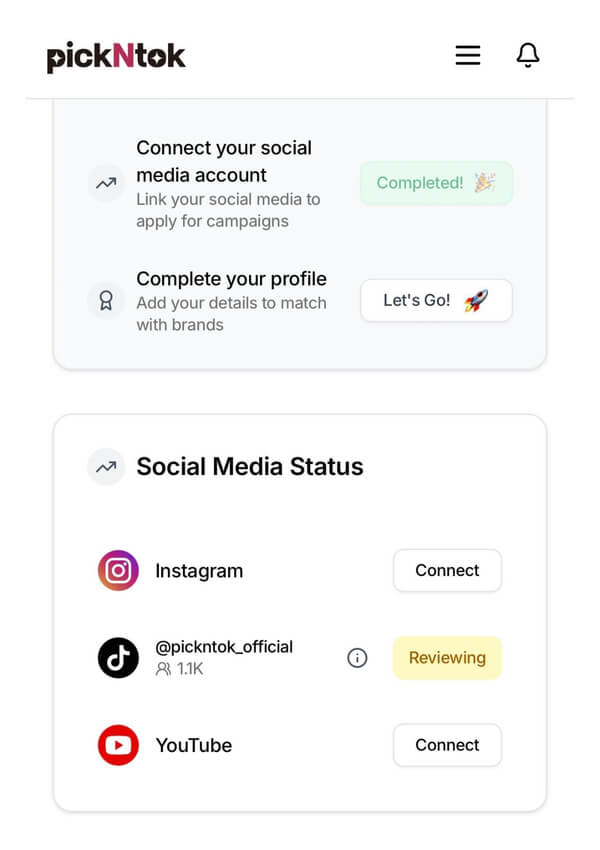
- 5.Once submitted, the button will change from Connect to Reviewing.
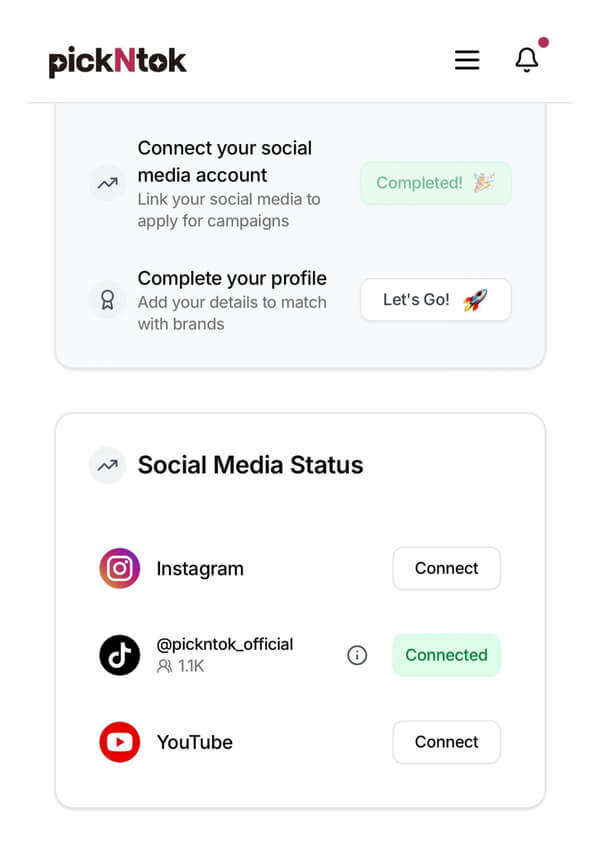
- 6.After approval (1–2 business days), the status will change to Connected.
💡 Connection Status Examples
1
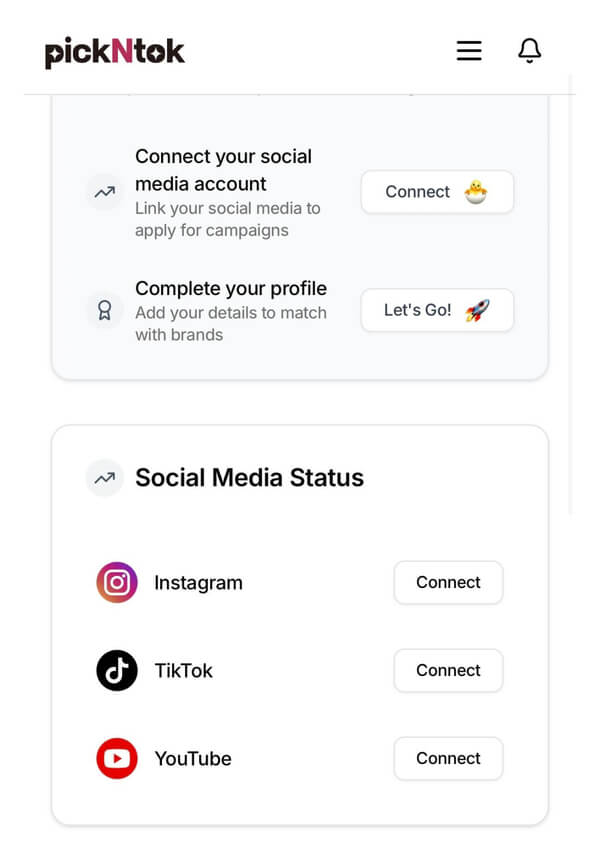
Connect
Ready to connect your social media account. Click the Connect button to start the process.
2
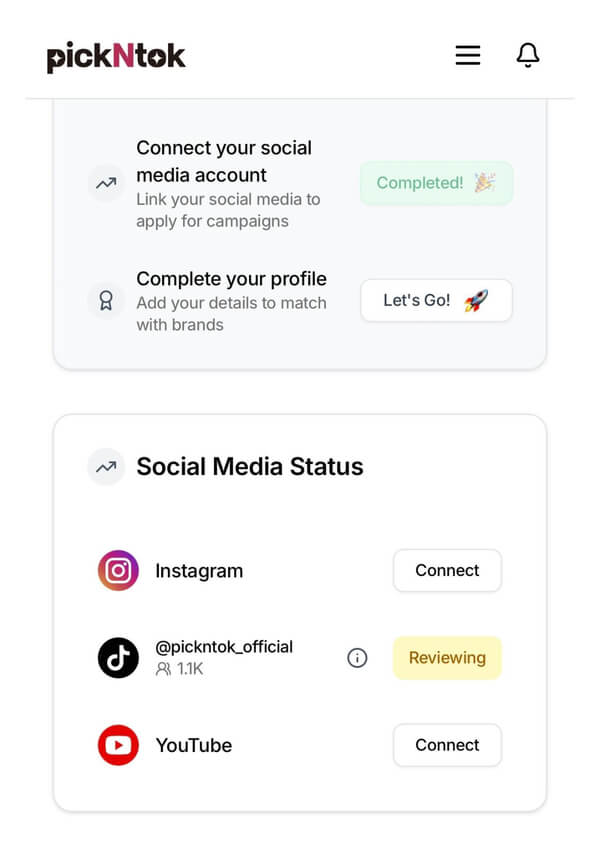
Reviewing
Your account is under review by our team. This typically takes 1-2 business days.
3
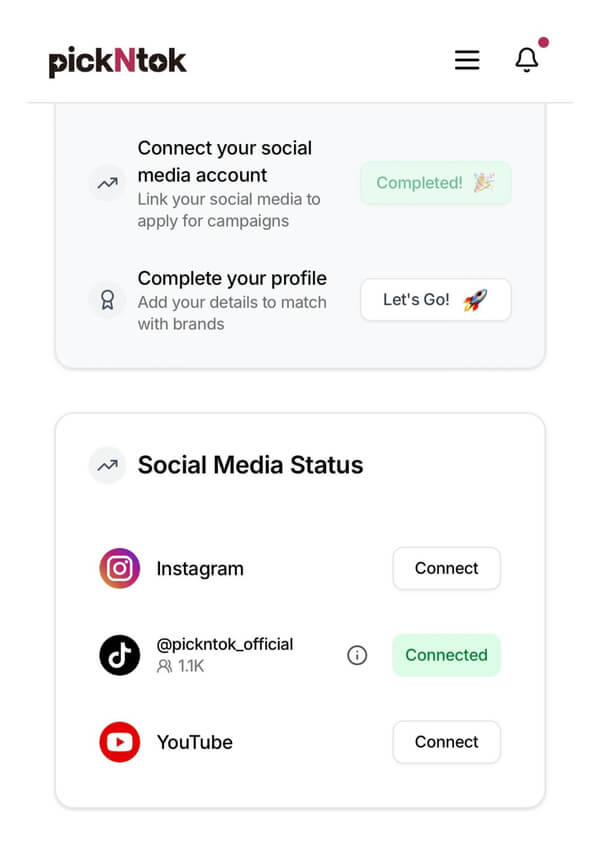
Connected
Successfully connected! Your account is now ready for campaign applications.
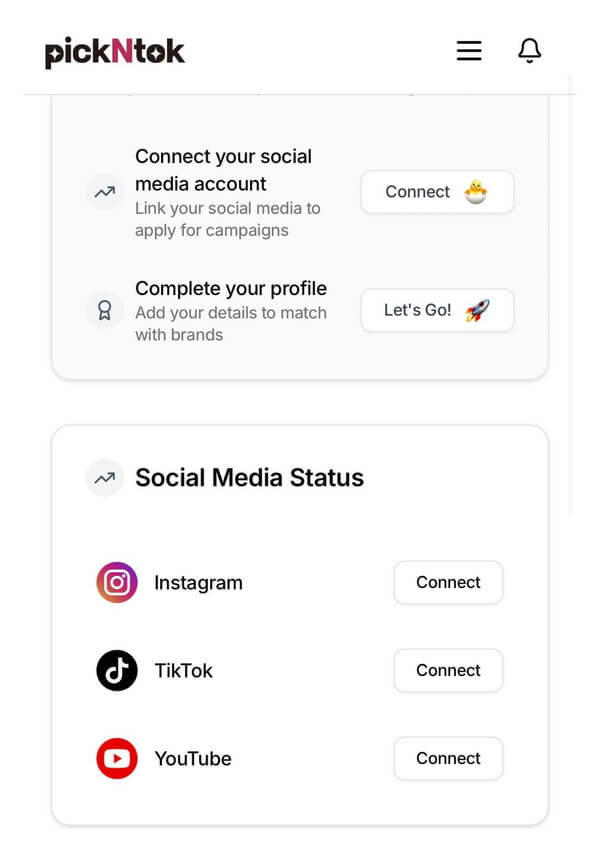
1/3
Connect - Ready to connect your social media account. Click the Connect button to start the process.
🔓 How to Disconnect Your Social Account
If you need to disconnect a social media account, you can only do so from your Profile page.
- 1.Go to your Profile page by clicking "Profile" in the side navigation menu.
- 2.Click on the "Social" tab to view your connected social accounts.
- 3.Find the account you want to disconnect and click the "Info" button to view details.
- 4.In the account details modal, click the "Disconnect Account" button at the bottom.
- 5.Confirm the disconnection in the warning dialog that appears.
⚠️ Important Warnings Before Disconnecting
- •This action cannot be undone - once disconnected, you'll need to go through the connection and review process again.
- •Ongoing campaigns check - the system will check if you have any campaigns in progress or requiring resubmission.
- •Campaign impact - disconnecting may affect ongoing campaigns, rewards, and could result in penalties.
- •Platform access loss - you will lose access to campaigns that require this specific platform.
- •Future eligibility - disconnecting during active campaigns may affect your future campaign eligibility.